Built for immediacy
A small, direct path from headset to television.
QuestCast favours the newest picture over a perfect delayed stream. Late or incomplete frames are discarded, keeping the experience responsive.
⌁
The direct route
Hardware capture to hardware decode.
QUESTLOCAL NETWORKAPPLE TV
Android MediaProjection and H.264 hardware encoding feed Apple’s VideoToolbox decoder, with no computer or internet service in the middle.
◉
Automatic discovery
Open both apps. Pick your TV.
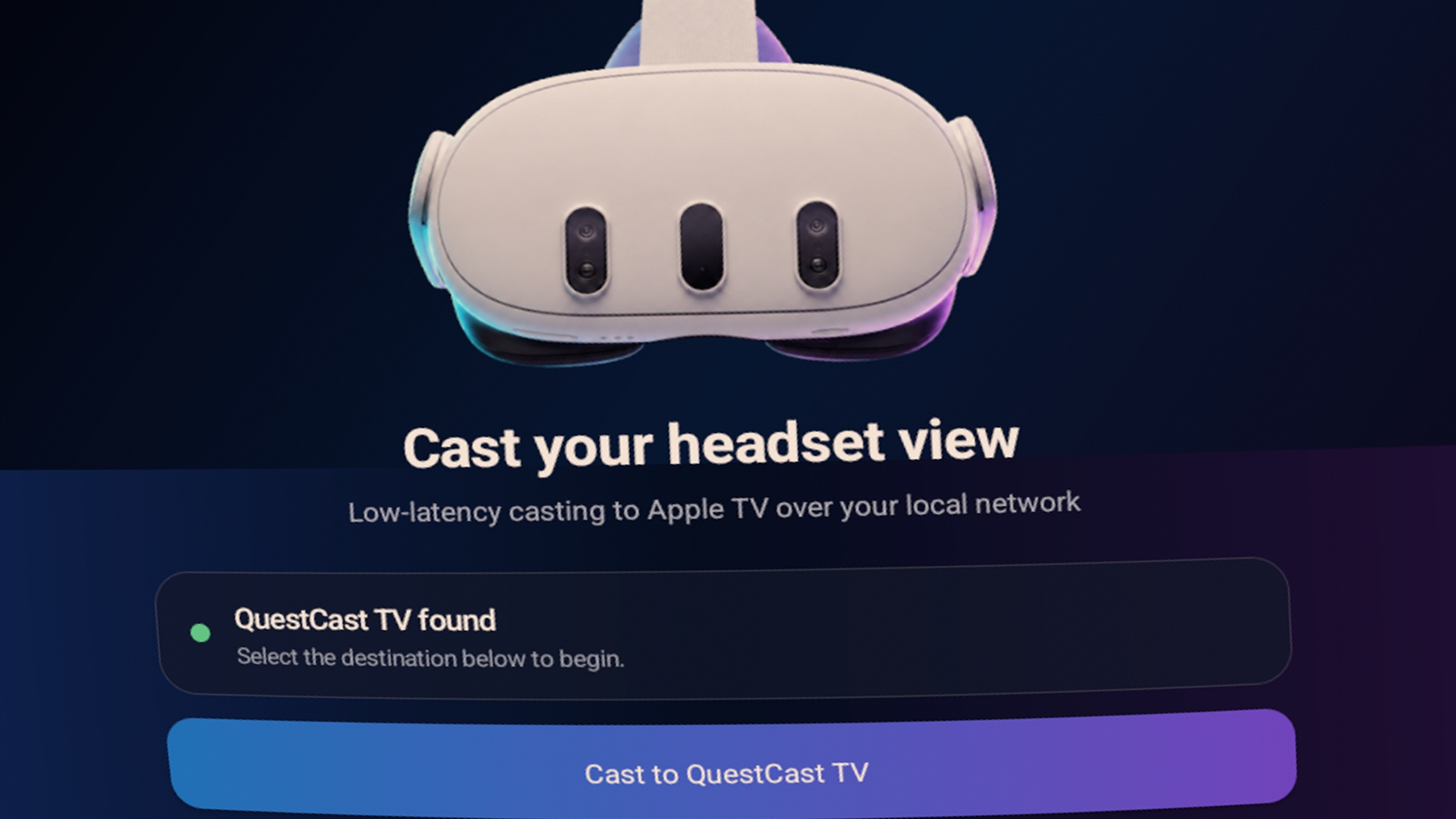
Bonjour finds QuestCast TV on the local network, so there are no IP addresses or pairing codes to type.
◒
Audio on your terms
Playback audio is opt-in.
Enable experimental 48 kHz stereo audio manually on the headset. It stays off by default and never captures the microphone.
⌘
Useful when needed
Diagnostics without the clutter.
Press Play/Pause on the Siri Remote to reveal codec, frame, loss, and audio-buffer information over the live picture.
◇
Private by design
Your stream stays at home.
No account, analytics, cloud service, recording, or relay. Use QuestCast only on a trusted local network.